

Log In To Earn Plarium Points
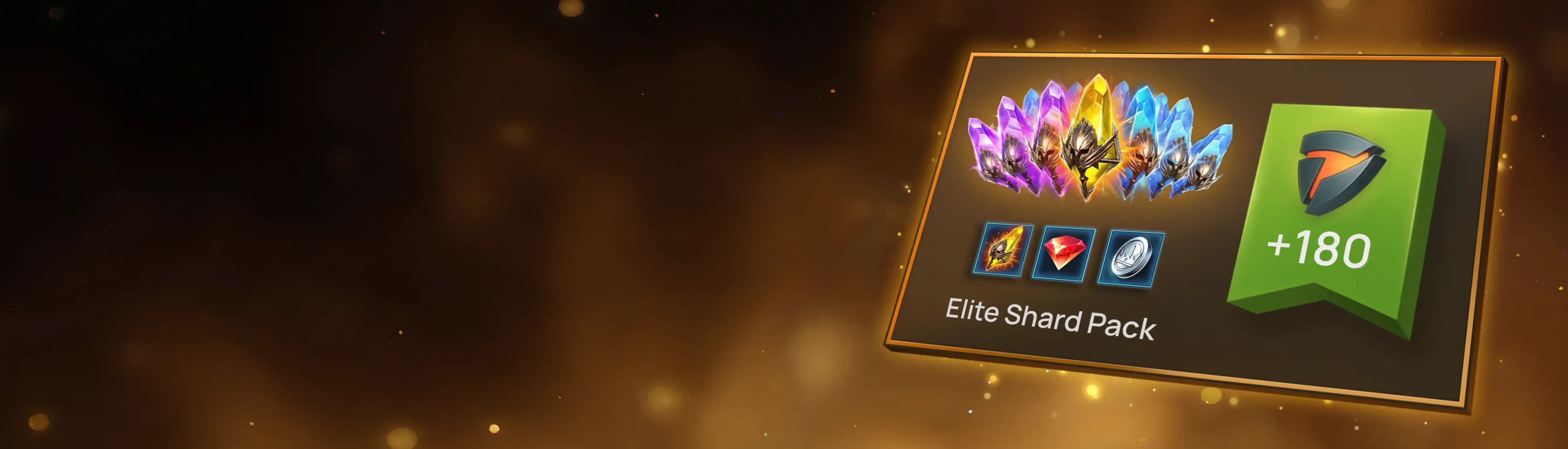
Log in with your Plarium ID to earn Plarium Points from your purchases and progress faster!
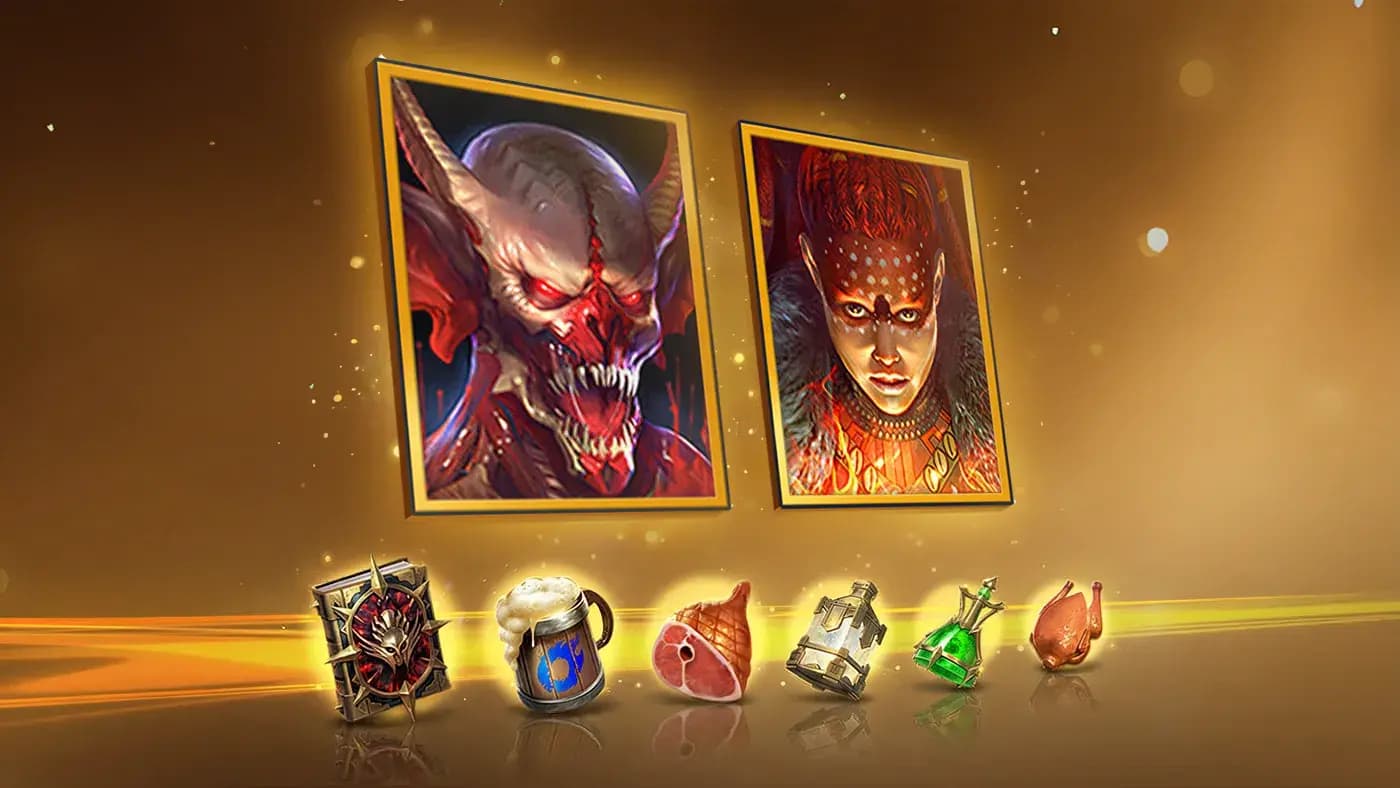
Earn Plarium Points with every purchase!
Earn Plarium Points with every purchase!
Exchange your earned points for exclusive in-game rewards.
Earn Plarium Points with every purchase!
Exchange your earned points for exclusive in-game rewards.
Special Offers
Special Offers
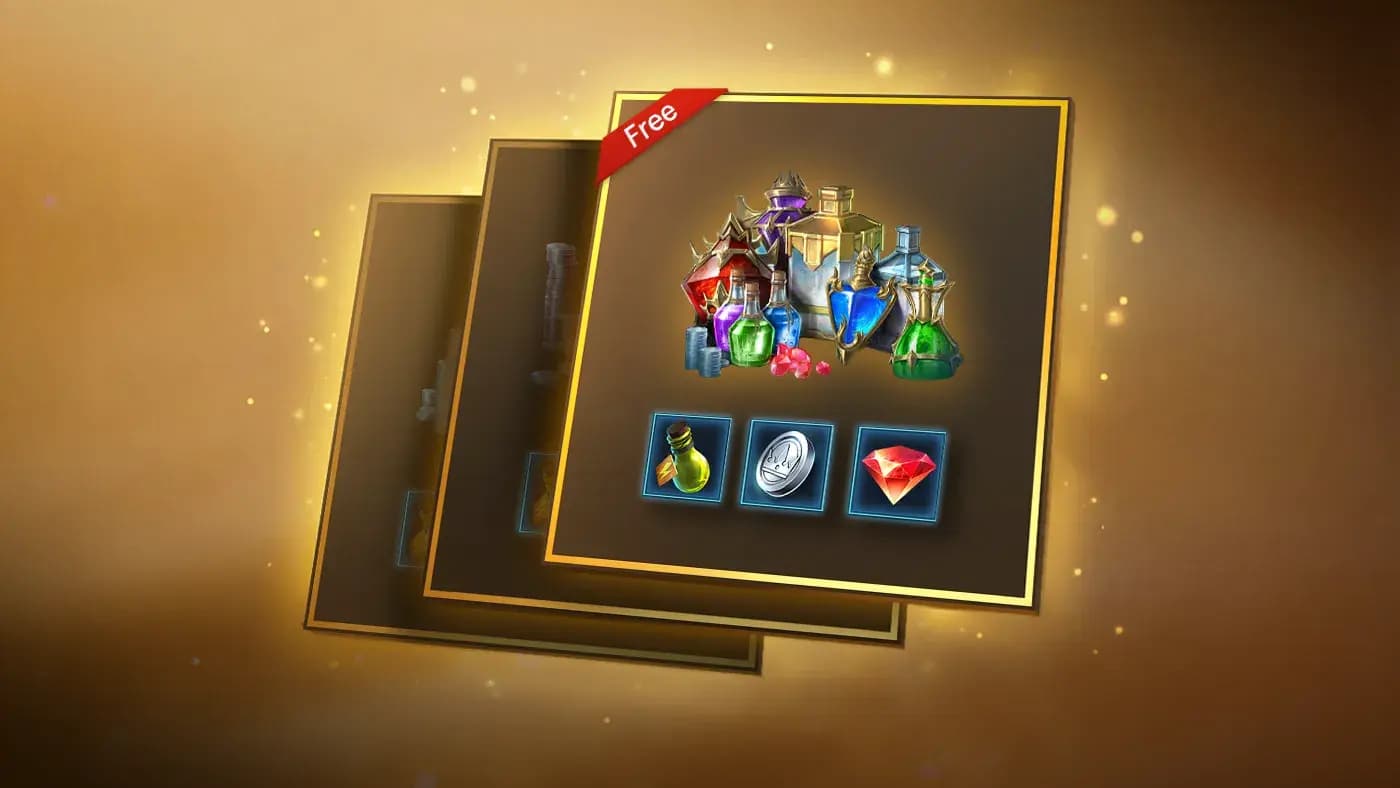
Log in and check out the personalized, unique deals created just for you!
Special Offers
Log in and check out the personalized, unique deals created just for you!
Pay Your Way
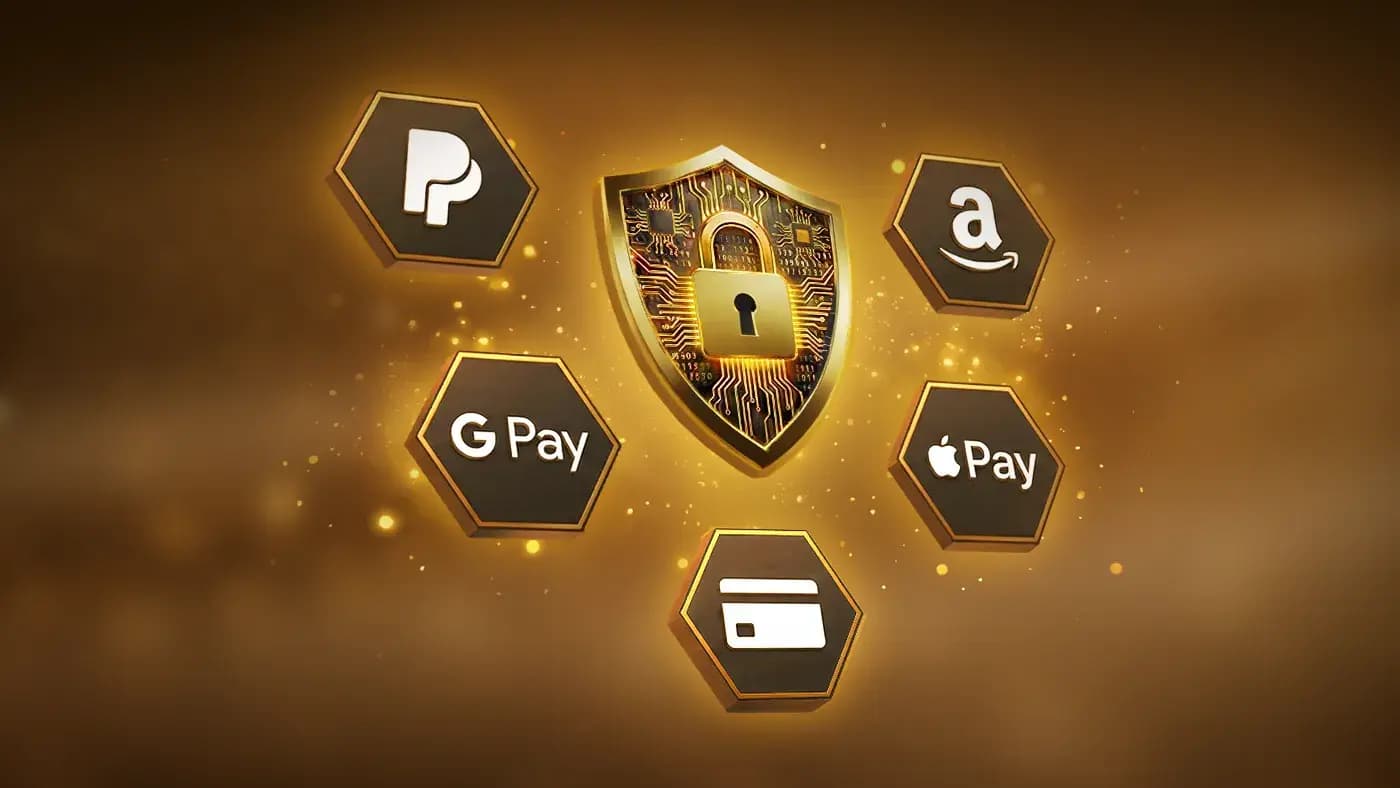
Pay Your Way
We support multiple local payment methods. We protect your data with industry-standard security measures, including PCI-DSS compliance, ensuring safe and secure payments.
Pay Your Way
We support multiple local payment methods. We protect your data with industry-standard security measures, including PCI-DSS compliance, ensuring safe and secure payments.
FAQ
The RAID Store is the only official online marketplace for in-game products from RAID: Shadow Legends. Here’s how you can verify its authenticity:
Official Verification Points
1. Plarium and game IDs Display: After logging in, the official RAID Store will display your Plarium ID. On the check-out window, you can always see your RAID nickname and game ID displayed. Fake websites cannot replicate this feature.
2. Secure Connection: Always check for the padlock icon and "HTTPS" in the address bar. This confirms that the connection between your browser and the server is encrypted and secure.
3. Support and Terms Links: The official RAID Store will always include links to our Support Center and the Terms of Use.
4. No In-Game Chat Promotion: The Plarium team will never advertise the RAID Store through in-game chats or private messages.
By checking these key points, you can ensure you are on the legitimate website and can make secure purchases.
If you have additional questions or concerns, please contact our Support team through the linked form. We are here to help!
The advantage of making purchases through the RAID Web Store (as well as Plarium Play or the APK version) is the ability to earn exclusive Plarium Points.
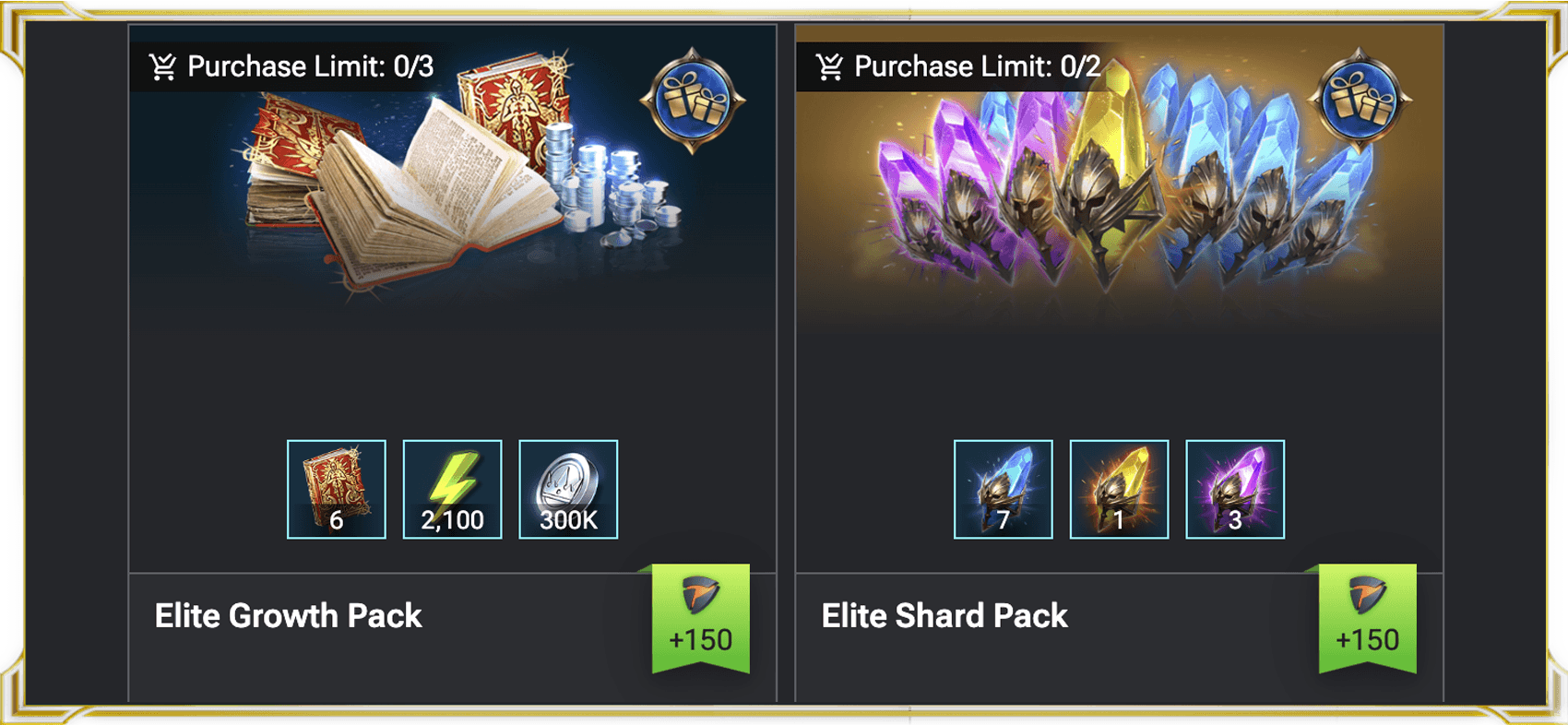 The Plarium Points Program is a feature where you can earn Plarium Points and unlock great rewards. The more Points you have, the more rewards you can get:
- Cumulative Benefits: The more you purchase, the more points you accumulate, leading to increasingly valuable rewards.
- Direct In-Game Value: These rewards include items designed to boost your progress significantly.
The Plarium Points Program is a feature where you can earn Plarium Points and unlock great rewards. The more Points you have, the more rewards you can get:
- Cumulative Benefits: The more you purchase, the more points you accumulate, leading to increasingly valuable rewards.
- Direct In-Game Value: These rewards include items designed to boost your progress significantly.
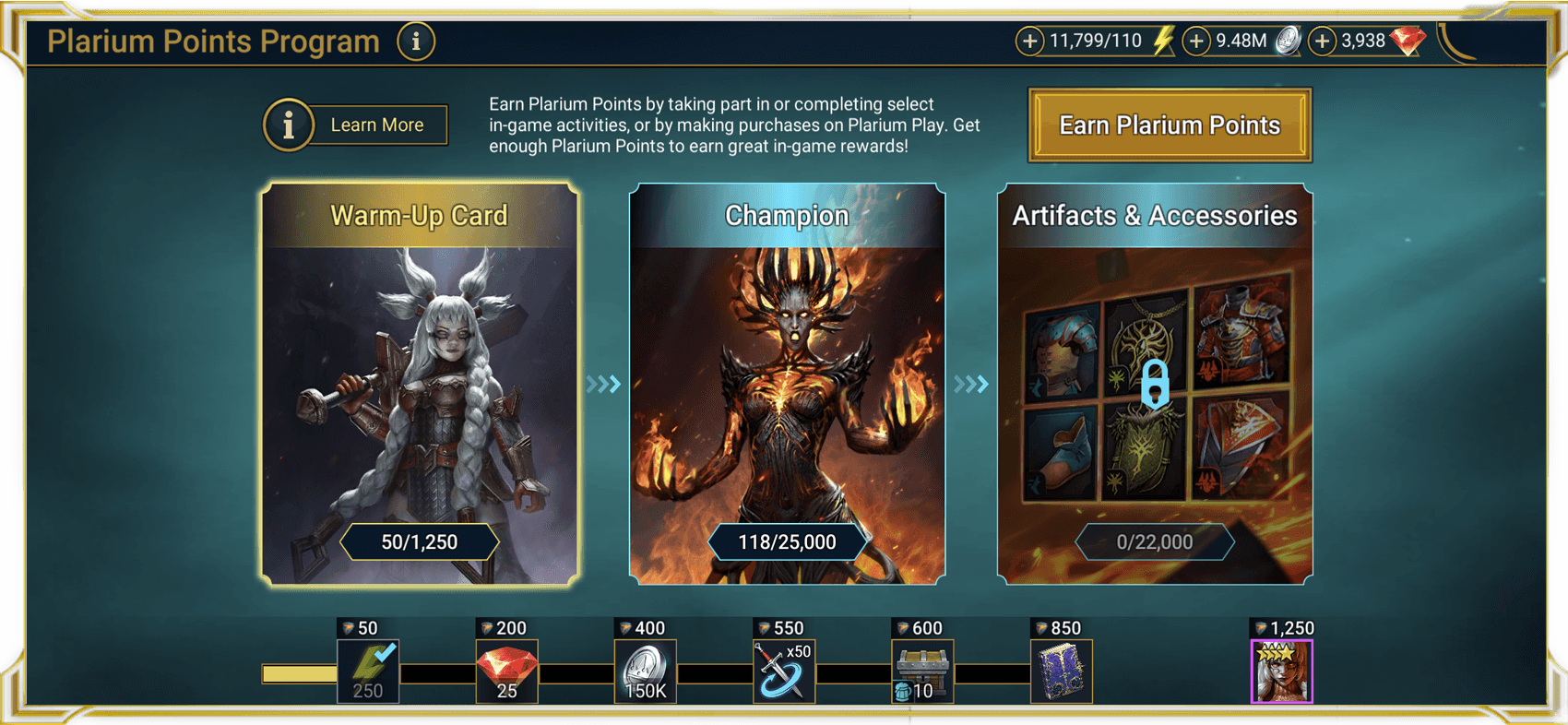 Transactions made through any other source will not grant Plarium Points. Using RAID Web Store, Plarium Play or the APK version ensures your purchases count toward unlocking in-game rewards and benefits.
Please check this article for detailed instructions on the Plarium Points Program.
If you have any questions or difficulties, contact our Support team.
Transactions made through any other source will not grant Plarium Points. Using RAID Web Store, Plarium Play or the APK version ensures your purchases count toward unlocking in-game rewards and benefits.
Please check this article for detailed instructions on the Plarium Points Program.
If you have any questions or difficulties, contact our Support team.
The Plarium Points Program is a feature where you can earn Plarium Points and unlock great rewards. The more Points you have, the more rewards you can get:
- Cumulative Benefits: The more you purchase, the more points you accumulate, leading to increasingly valuable rewards.
- Direct In-Game Value: These rewards include items designed to boost your progress significantly.
Transactions made through any other source will not grant Plarium Points. Using RAID Web Store, Plarium Play or the APK version ensures your purchases count toward unlocking in-game rewards and benefits.
Please check this article for detailed instructions on the Plarium Points Program.
If you have any questions or difficulties, contact our Support team.
All items purchased through the RAID Web Store are automatically credited to your linked game account instantly.
The process for receiving your rewards is identical to purchasing items directly from the in-game Shop. You can expect your purchased content to be available immediately after the transaction is completed.
How to Access Your Purchased Content
Your newly acquired content will be delivered directly to your Inbox within the game.
To easily retrieve your items, please follow these steps:
1. Launch the Game: Open RAID: Shadow Legends on your device.
2. Locate the Inbox: Tap on the Inbox icon in the upper-right corner of the screen.
3. Claim Your Rewards: Your purchased resources will be displayed in the Inbox.
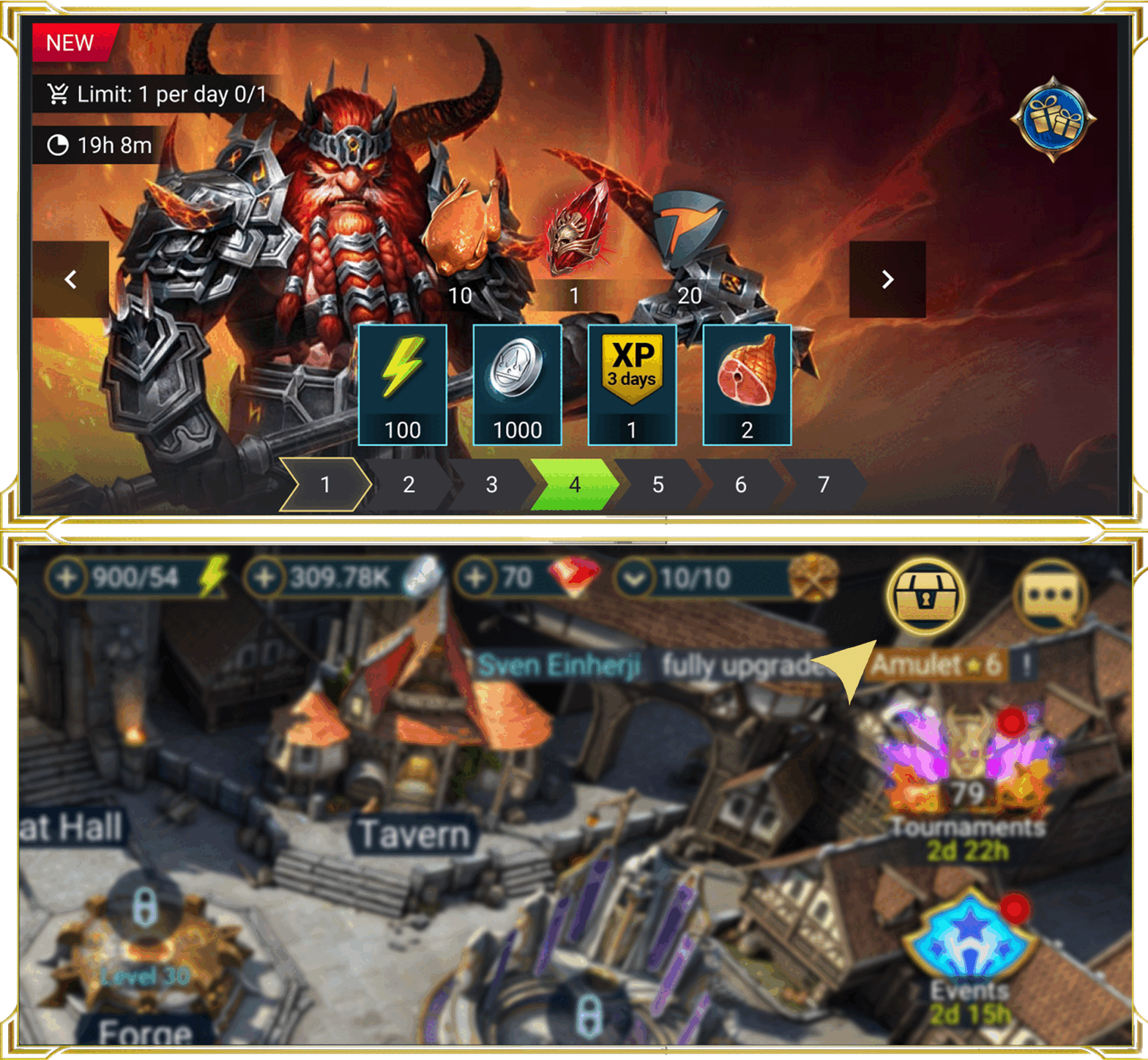 If you encounter any difficulties locating your purchased offer's content, if the rewards do not appear instantly, or if you have any further questions regarding your transaction, please do not hesitate to contact our dedicated support team. We are ready to assist you in resolving any issues promptly.
If you encounter any difficulties locating your purchased offer's content, if the rewards do not appear instantly, or if you have any further questions regarding your transaction, please do not hesitate to contact our dedicated support team. We are ready to assist you in resolving any issues promptly.